Click any line. Type. Enter.
Fix a typo, a name, a date or a price in seconds. Need more? Add new text anywhere on the page.
Windows PDF editor
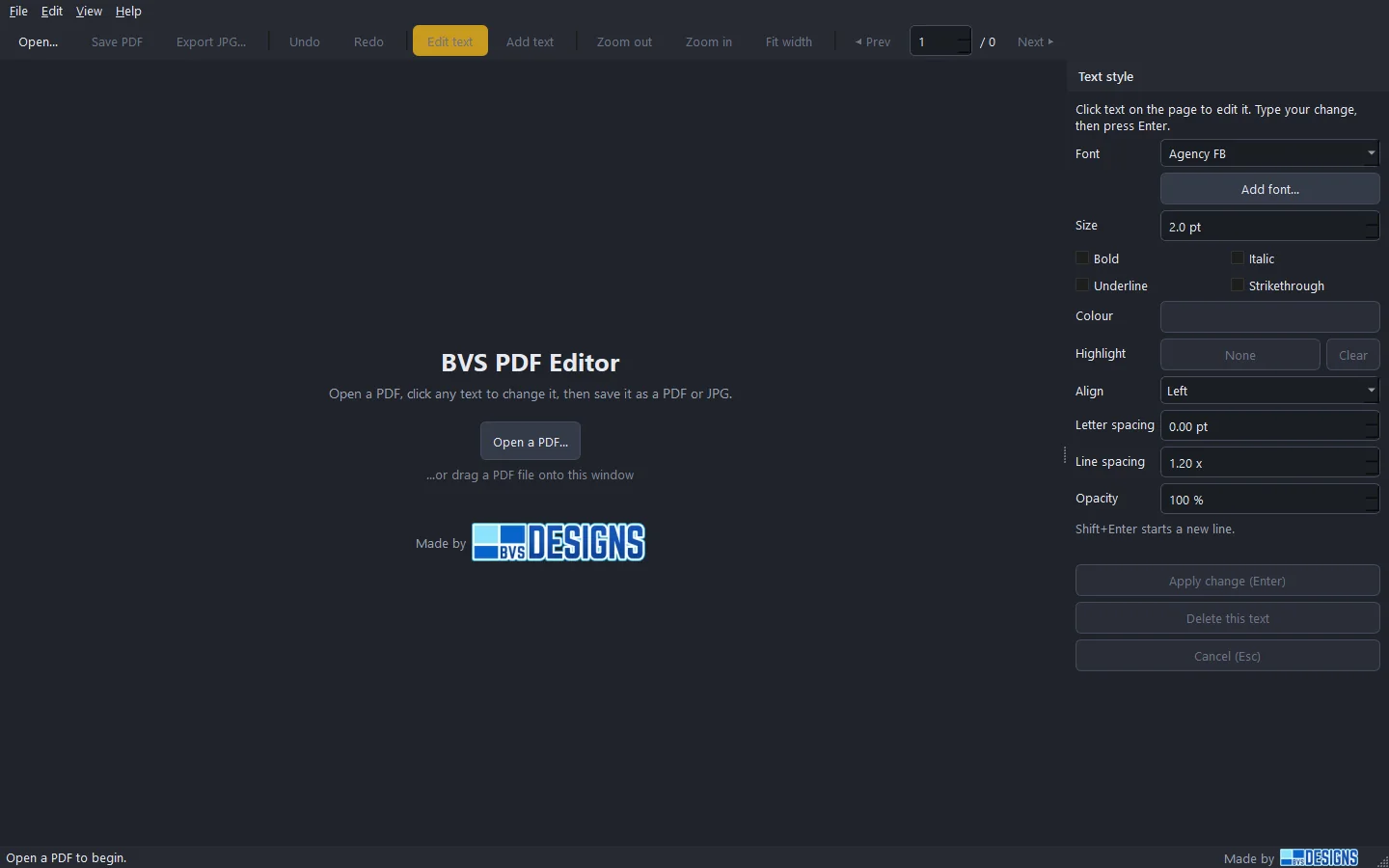
Open the PDF, click the line, type the change, press Enter. Save it as a PDF or export pages as JPG images. It all runs on your computer.
 BVS PDF Editor
How it works
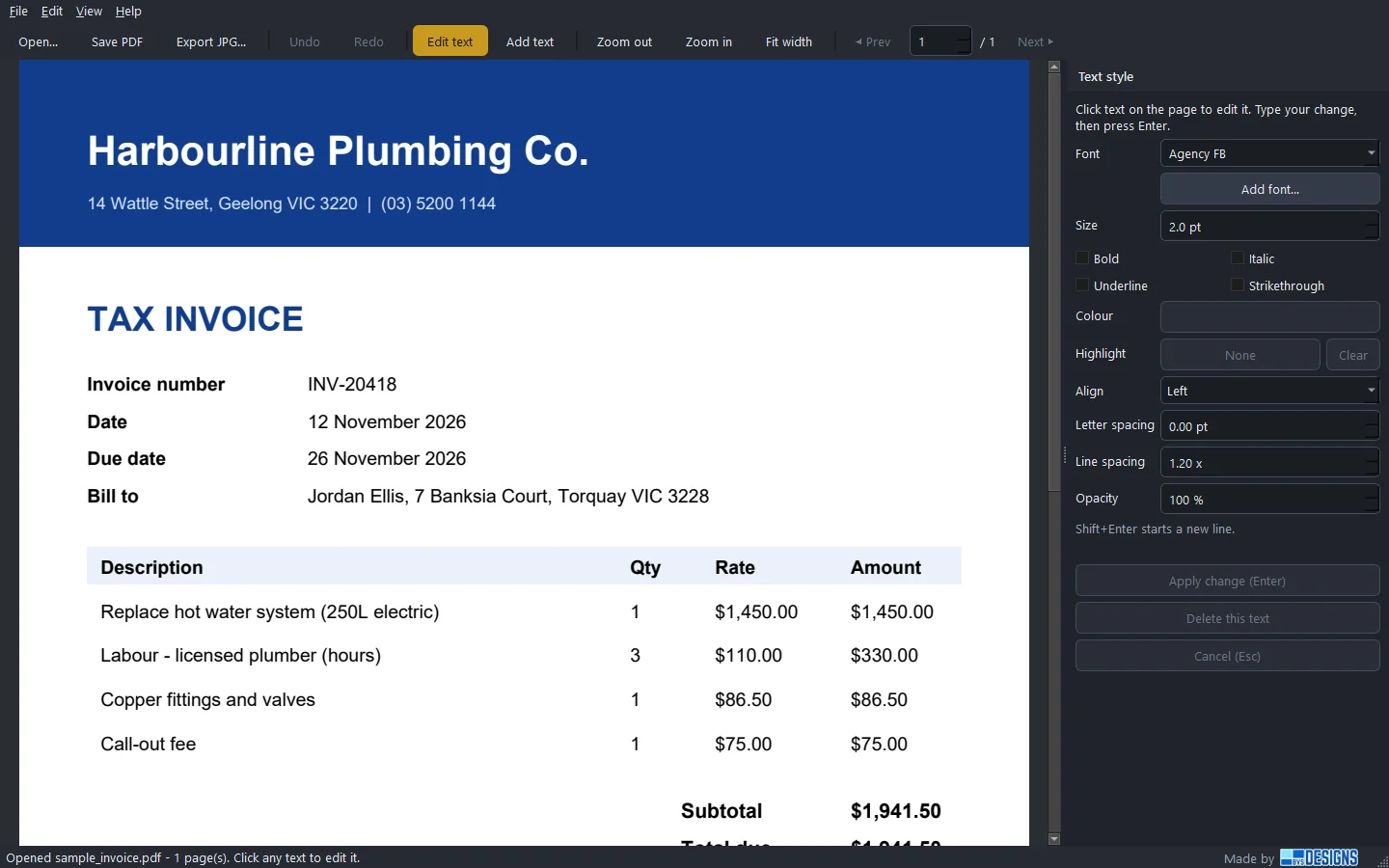
Click Open, or drag the file onto the window. Every line of text on the page can be edited.
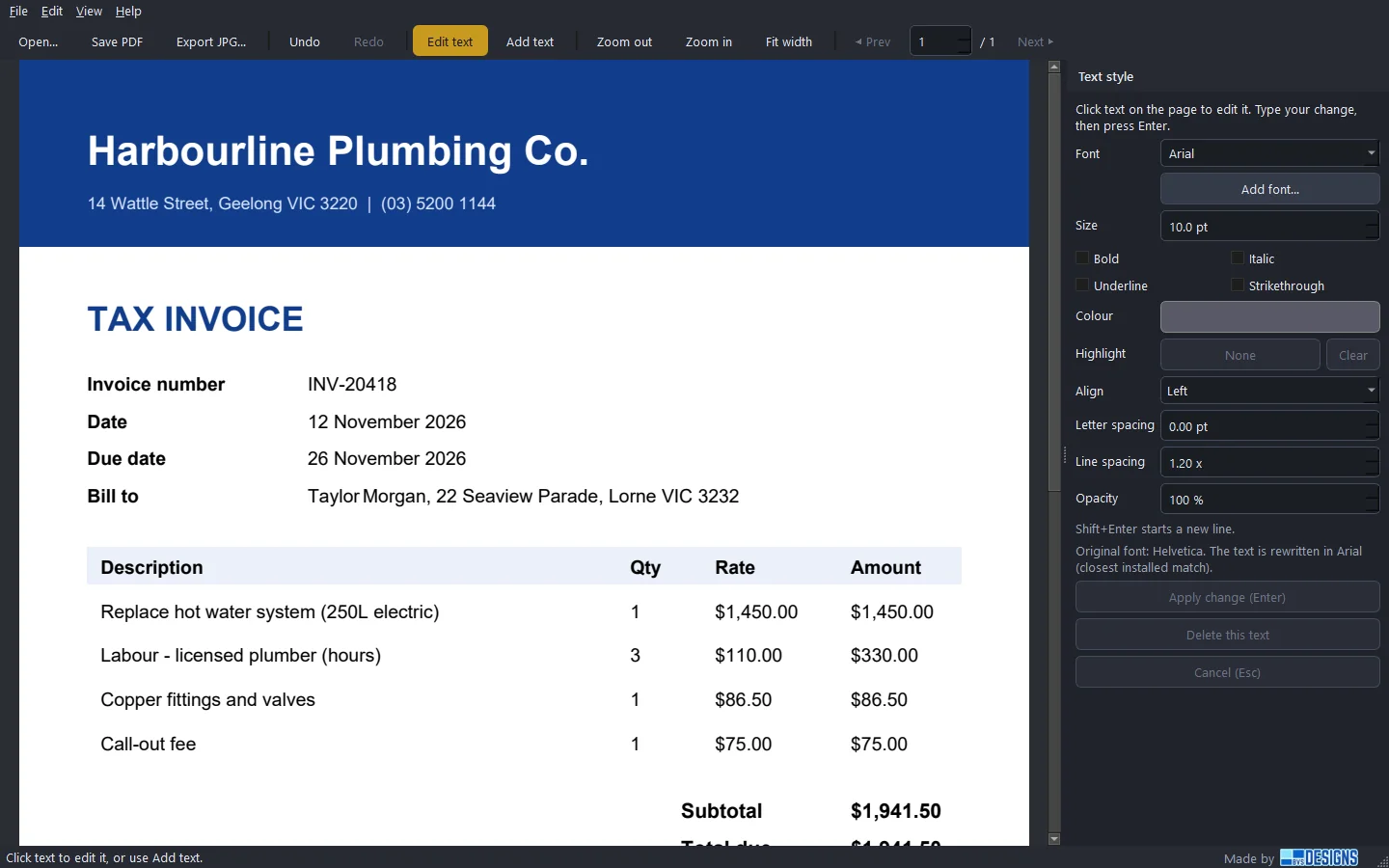
Click the line you want to change. Type the new name, date or price. Press Enter.
Save as a PDF, or export pages as JPG images. Undo and redo are always there if you change your mind.
BVS PDF Editor
Features
Fix a typo, a name, a date or a price in seconds. Need more? Add new text anywhere on the page.
31
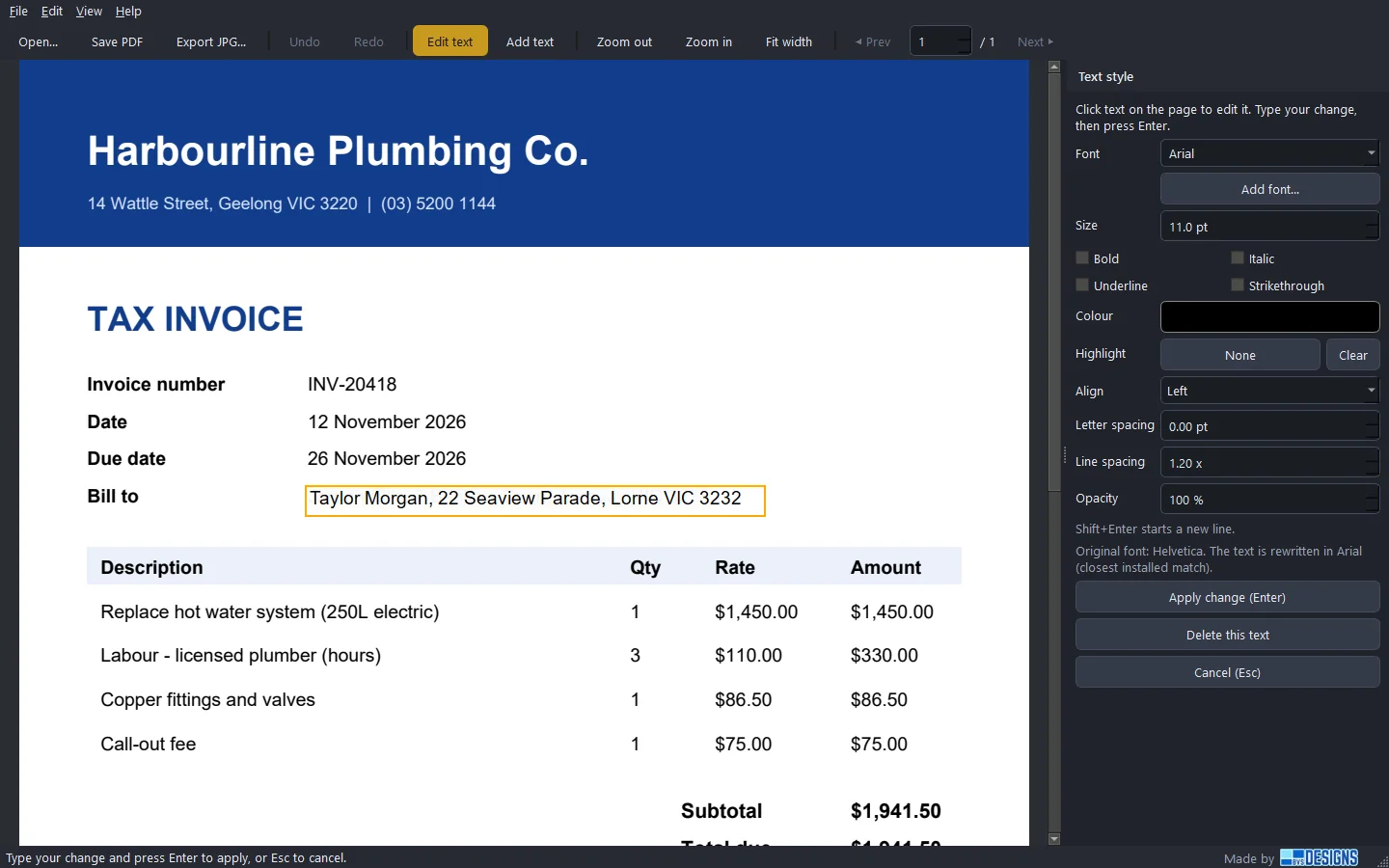
You also get every font installed on Windows. Need another? Use Add font... to load your own .ttf or .otf file.
Set it the way the rest of the page looks.
Try a change. Don't like it? Undo it. Zoom in to line things up.
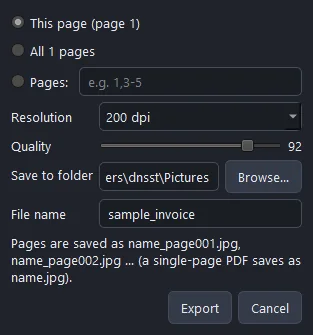
Need a picture of the page for an email or a text message? Export it as a JPG.
Privacy
Invoices, contracts and quotes are private. BVS PDF Editor works 100% offline, so your files are never uploaded anywhere.
Read the privacy policyEverything happens on your PC.
We never see your documents.
Install it, enter your CD key and get to work.
In the app
BVS PDF Editor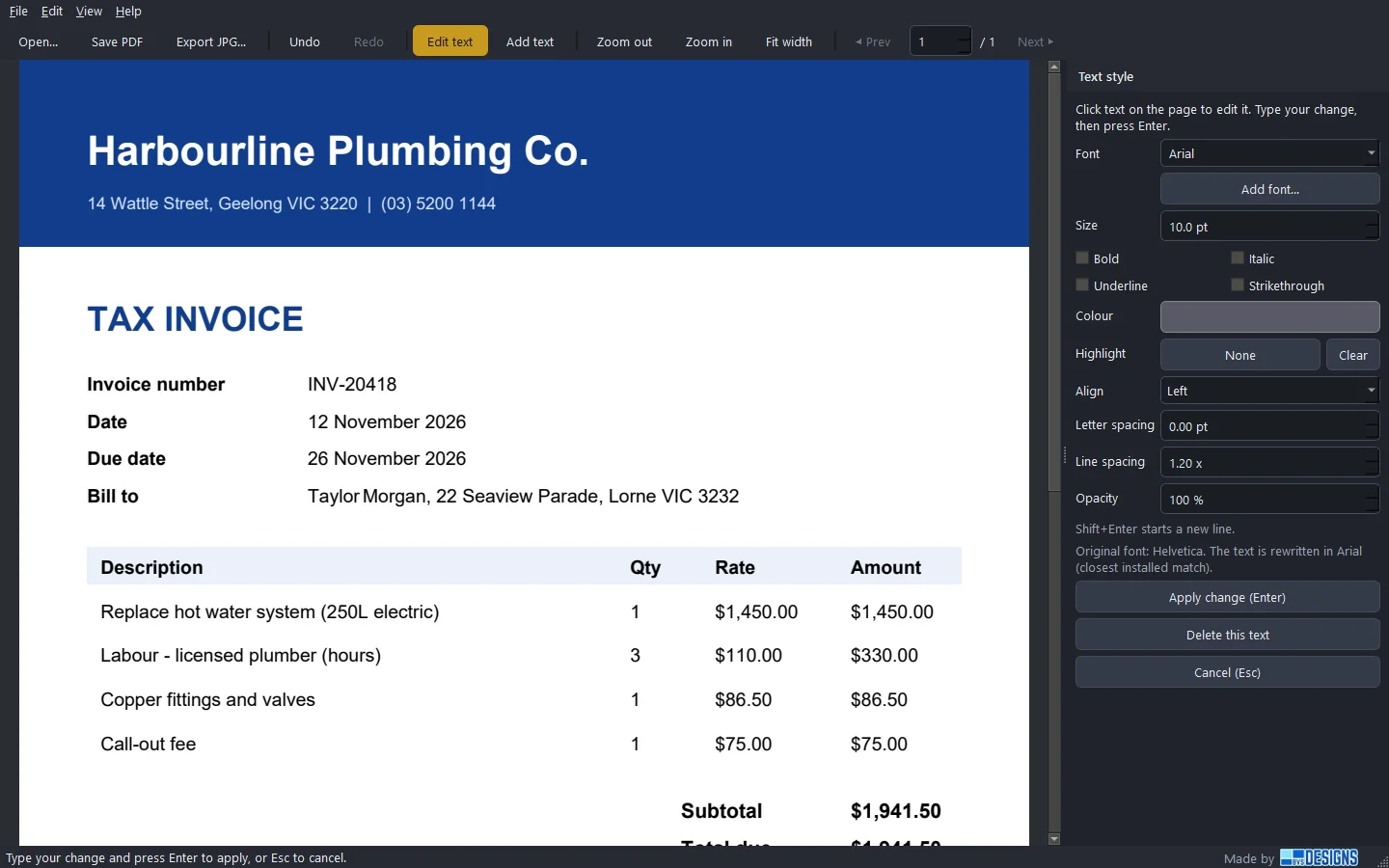
 BVS PDF Editor
How buying works
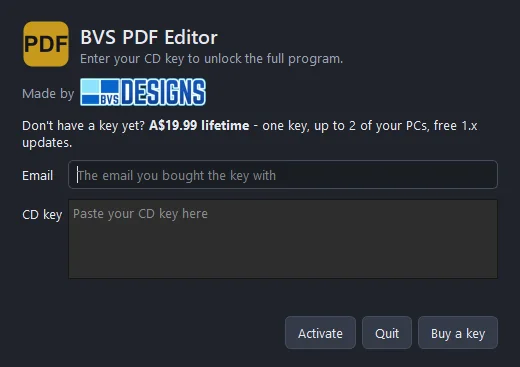
Click Buy now and order for A$19.99. One key covers up to 2 of your PCs.
We email your CD key, normally within 1 business day. The key is tied to the email address you buy with.
The email includes a link to the installer, about 58 MB. Install it, then enter your email and CD key.
Pricing
BVS PDF Editor for Windows
A$19.99
One payment. No monthly subscription. No GST charged.
Buy now14-day money-back guarantee. Your rights under the Australian Consumer Law apply too.
FAQ
Questions? Email admin@bvsdesigns.com.au. We aim to reply within 2 business days.
No. A scanned PDF is a picture of text, so there is no text on the page to edit. If you can select and copy the words in your PDF viewer, BVS PDF Editor can edit them.
Not always. The original font may be swapped for the closest installed font. The Text style panel tells you when this happens. You can pick any font on your PC, one of the 31 bundled font families, or add your own .ttf or .otf file.
Not yet. Rotated pages can't be edited in version 1.x.
It is Windows only: Windows 10 and 11, 64-bit. An Android version is coming.
No. BVS PDF Editor works 100% offline on your computer. Your files are never uploaded, and there is no tracking, no analytics and no account.
Edits replace the original text on the page, so keep a copy of your original file. You are also responsible for having the right to edit the documents you open.
One CD key works on up to 2 PCs that you own or control. You can use it for personal or business work, including editing documents for your clients.
No subscription. You pay A$19.99 once. Your licence lasts for version 1.x and includes all free 1.x updates. A future major version (2.0 or later) may be sold separately, and your 1.x licence keeps working.
We email it to the address you buy with, normally within 1 business day. If your key hasn't arrived, check your spam folder, then email us. If you lose it later, email us from the same address and we will re-send it free of charge.
Email us within 14 days of buying for a full refund. You don't need to explain. Your rights under the Australian Consumer Law apply on top of that. Read the refunds and warranty policy.